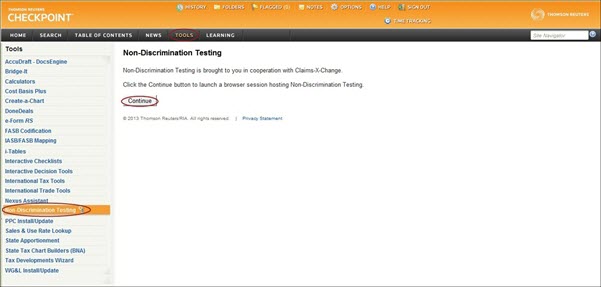
Non-Discrimination Testing is an Internet-based nondiscrimination testing tool that covers Code Sec. 125 (Cafeteria Plans), Code Sec. 105(h) (Health FSA, HRA, Self-Insured Medical Plans), and Code Sec. 129 (Dependent Care FSA Plans).
To access Non-Discrimination Testing:
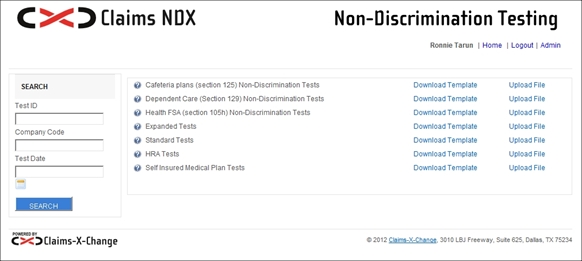
Note:Alternatively, a Nondiscrim Test button has been placed in the II. Cafeteria: The Short Course materials to view the Non-Discrimination Testing site:
Path: Table of Contents>Checkpoint Contents>Pension & Benefits Library>Pension & Benefits Editorial Library>Pension & Benefits Compliance Library>Cafeteria Plans< II. Cafeteria Plans: The Short Course.
Non-discrimination testing using NDX is as simple as 1-2-3:
NDX Reports include: